
Lightfield
Prospektor writes the pitch. Lightfield works the deal.
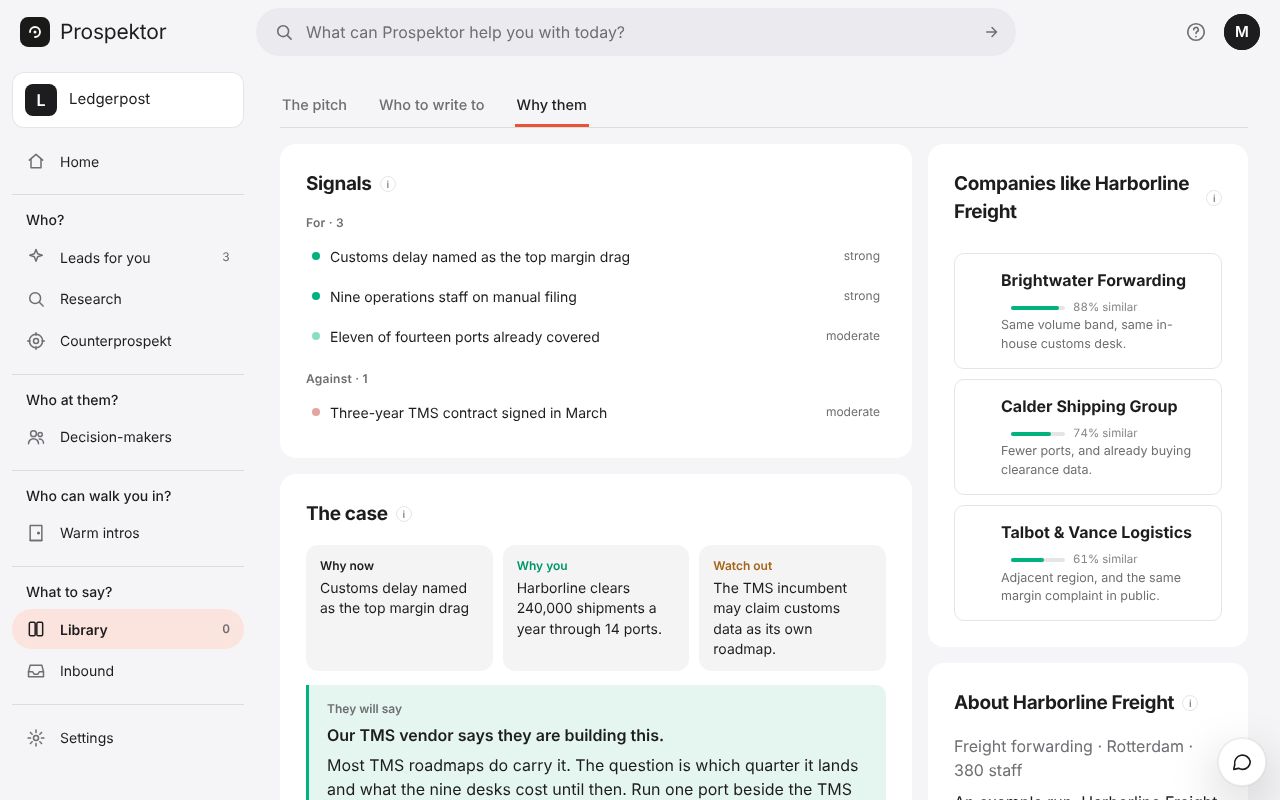
Prospektor finds the companies worth approaching, names who to talk to and writes what you send them, in your voice. One press files all of it in Lightfield, where your team already works.
Four records: the Account, found by its web address and then by name, the people with a work email as Contacts, an Opportunity named after the company and your workspace, and a Note on all three.
The note holds the fit score, the angle, the sources and a link back to the pitch. Where Lightfield hands back a link to the record, the button beside the pitch becomes that link.
- In Lightfield, open Settings → API keys, create a key and copy it before you close the page; Lightfield shows it once.
- Paste it under Connect your apps in your workspace settings and press Connect.
- Run a pitch on a company you want, then press Push to Lightfield.
Import your customers from a Lightfield list of accounts, and no run is ever spent pitching somebody you already sell to.