Attio
Prospektor writes the pitch. Attio holds the relationship.
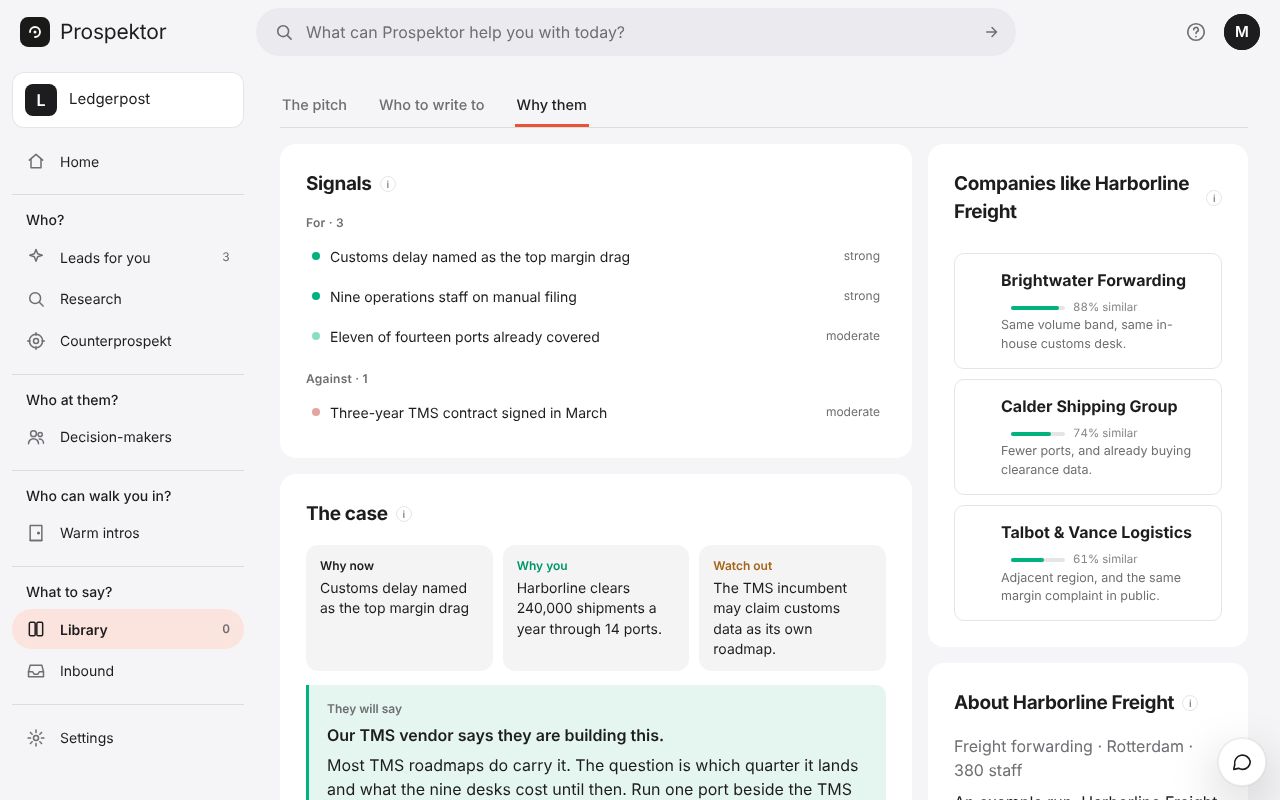
Prospektor finds the companies worth approaching, names who to talk to and writes what you send them, in your voice. One press files all of it in Attio, where your team already works.
The Company, found by its web domain first, the decision-makers with a work email as People, and a Note on the company. Anything already in your Attio is used as it is and never written over.
The note holds the fit score, the angle, the people and the sources, with a link back to the pitch. The button beside the pitch opens the company in Attio.
- In Attio, open Workspace settings → Developers and create an access token with read and write on records and notes. An admin has to make it.
- Paste it under Connect your apps in your workspace settings and press Connect.
- Run a pitch on a company you want, then press Push to Attio.
Every press adds a dated note, so the company's timeline shows how the pitch has changed.