Claude
Ask your own Claude. Prospektor does the work.
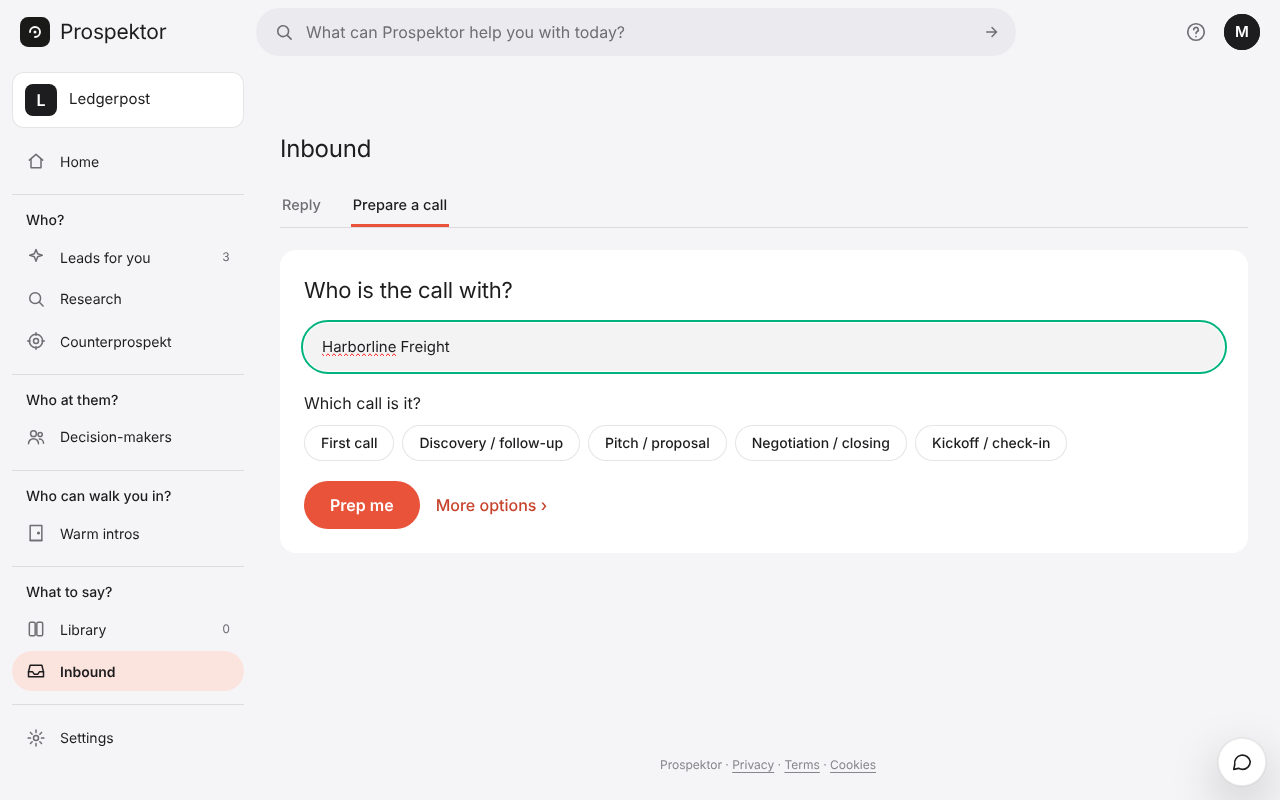
Your own Claude can do the work in this workspace: read a company, write the pitch, prep the call, map who you know, say what to do next, record what happened.
In claude.ai, add one custom connector with the workspace's address. Prospektor asks what the app may do, mints the token itself and puts it on your Claude tile. There is nothing to copy and nothing to paste.
Claude Code, Claude Desktop and Cursor take a token instead: mint one under Your own agent, press Copy setup for your agent, and paste it in.
- In claude.ai, add a custom connector with the address studio.prospektor.ai/api/mcp.
- Approve what it may do. The token lands on your Claude tile in Prospektor.
- Ask it to read a company, write the pitch or prep a call.