See the leads Prospektor found for you
Companies that fit what you sell, waiting when you open the studio. Check any of them in fifteen seconds.
How to do it
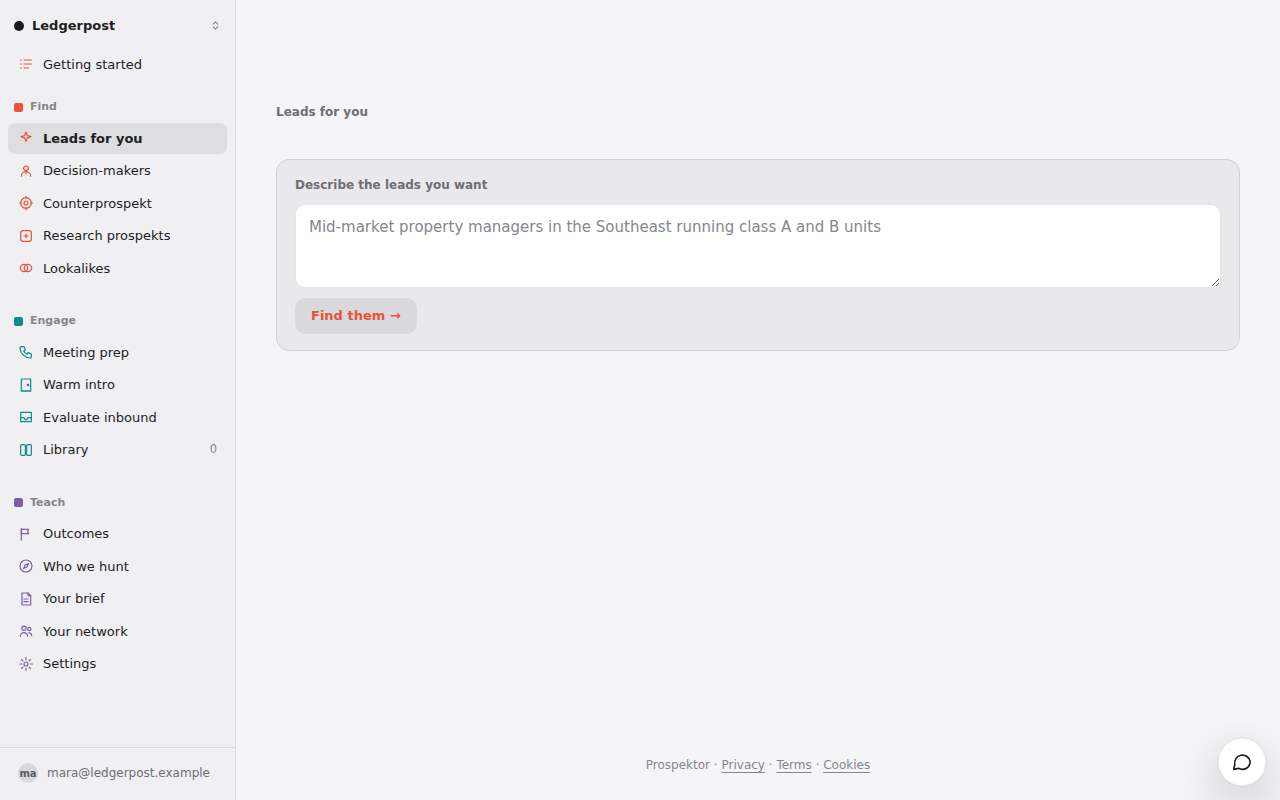
- Open Leads for you in the menu on the left. Each card shows a fit score out of 100, the company, its website and the one thing that makes it worth a look.
- Press Glance on the card you like best. The score appears a few seconds in; why it fits and which roles to approach fill in under it.
- Wrong company? Press the × and pick Not a fit, or Our client if they already buy from you. Another card takes its place.
- Want a different kind of company? Press one of the lines under the cards, such as are hiring. The new leads arrive in a row headed by what you pressed.
Good to know
- Each row says why it is there, such as a customer you named or a deal you closed. The top three leads also show on Home.
- Our client puts the company on Do not contact, and the next search looks for more like it.
- A company leaves this list once you glance at it, pitch it or remove it. Anything you glanced stays in your Library.
- A row headed Just registered brings companies that incorporated in Canada this week, already glanced, a few a week. The workspace owner turns it on under Settings, Connectors, New Canadian companies. Press See the glance to read why one fits.