Tell it who your ideal customer is
Seven short answers decide which companies Prospektor goes looking for. The better they are, the better your leads.
How to do it
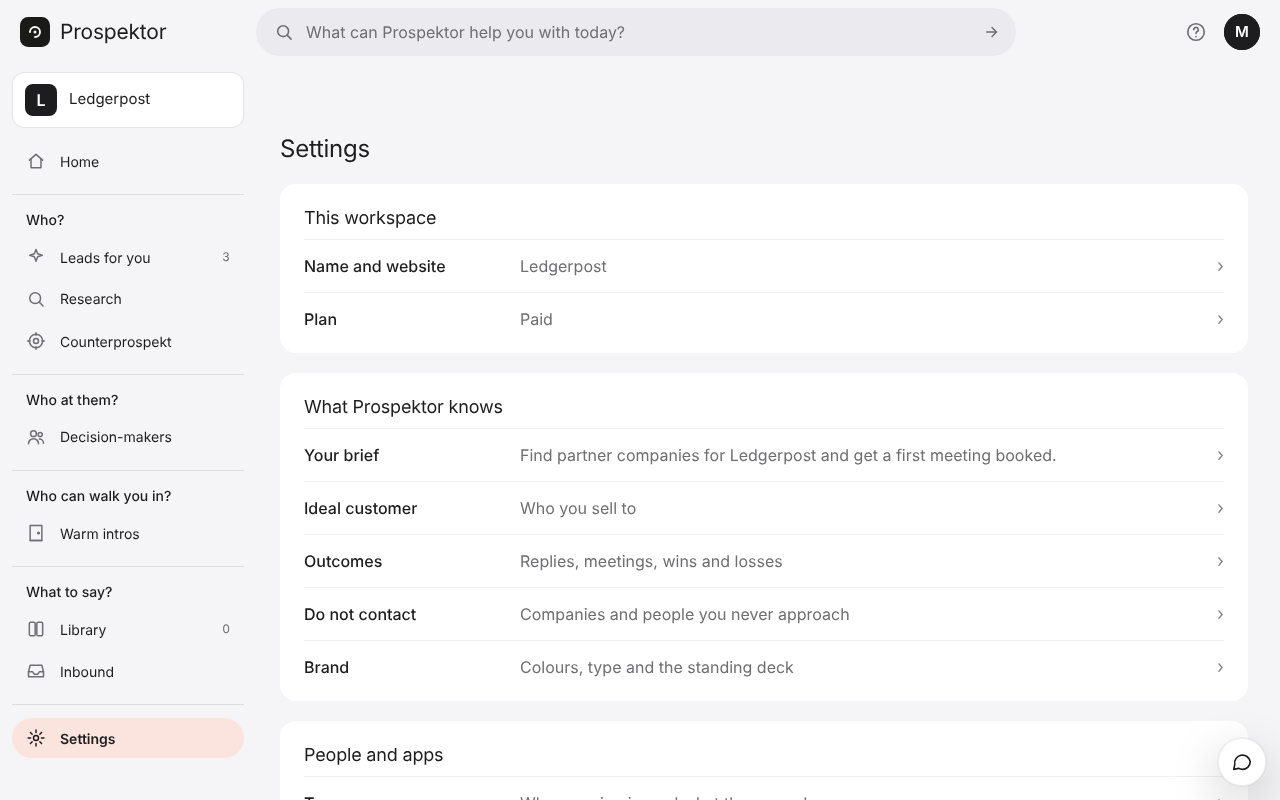
- Open Settings, then Ideal customer.
- Answer the question on screen in your own words and press Next. Press Skip to come back to one later.
- Once most are answered, you see the list. A row marked Missing, Check or Add more wants your attention. Check means Prospektor guessed it from your website.
- Press any row to change that answer.
- Press Sharpen the hunt to rate five companies yes or no. Your answers teach it where a good lead ends.
Good to know
- Customers you name here are never approached. They join your do not contact list as you save.
- Name your competitors and Prospektor hunts among their customers instead of suggesting the competitors to you.
- Where and how big take plain words, like “DACH” or “startups under 50”.
- Every new search for leads reads these answers.