Get started in fifteen minutes
Sign up, see the companies Prospektor found for you, and leave with a first email you would send.
How to do it
- On the sign-up page, sign in with Google or your work email.
- Type your company’s website and say in one sentence what Prospektor should find for you. Pick monthly or yearly and pay on Stripe.
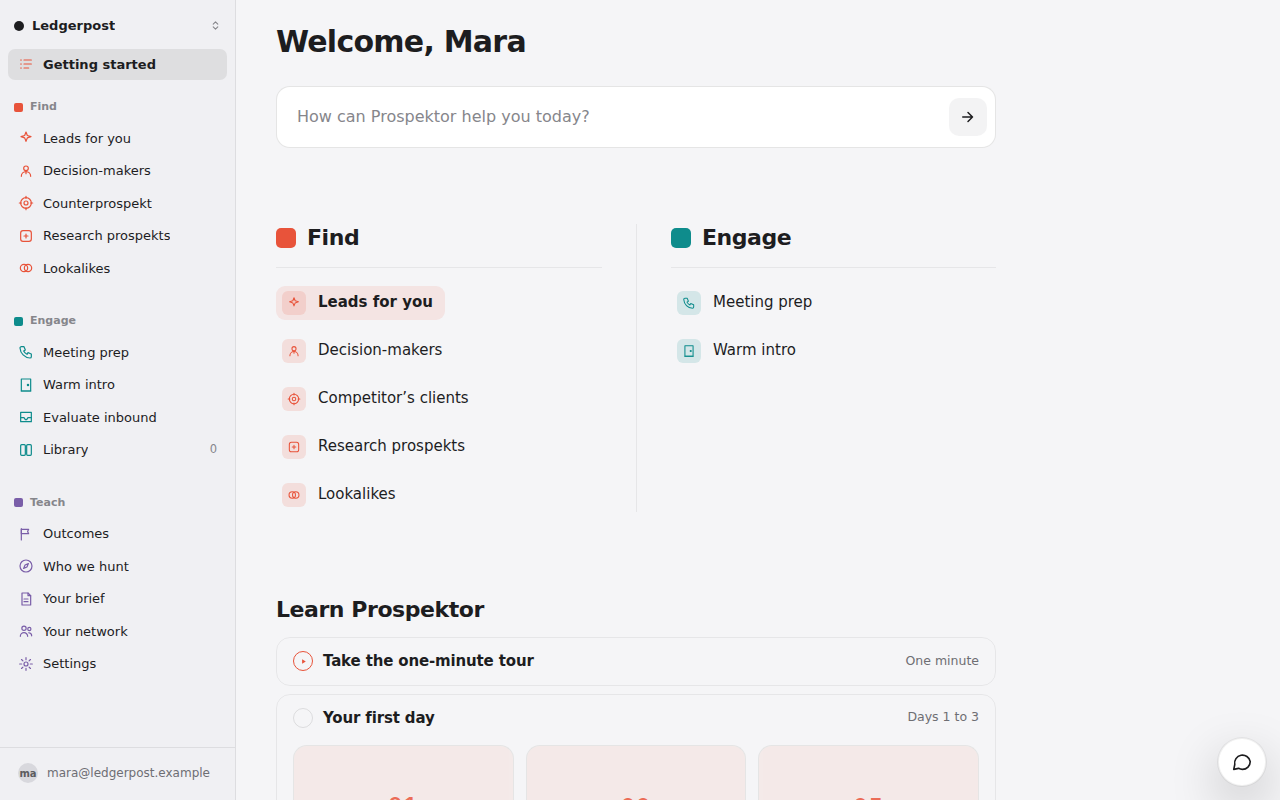
- You land on Home. While Prospektor reads your website, it asks who already buys from you. Answer it or leave it. About a minute later your first three leads appear.
- Press Glance on the top lead. The score appears a few seconds in; why it fits fills in under it, about fifteen seconds in all.
- Press Prospekt →. The pitch takes a few minutes and lands in your Library, so you can do something else meanwhile.
- Open the pitch and its email sequence, press the pencil, rewrite it until you would send it, and press Save.
Good to know
- A saved edit teaches Prospektor how you write. An edit you copy out without saving teaches it nothing.
- Your brief, under Settings, is the description of your company Prospektor writes from. Fix anything wrong there.
- Colleagues on your work email’s domain can sign in after you.
- The free search on the homepage has a daily limit shared by everyone who tries it. When it runs out, come back tomorrow. A workspace has no daily limit on pitches, and a fair-use one on glances and searches.