Find the people who decide
Name a company and the role you sell to. About a minute later you have the people, with their LinkedIn and work email.
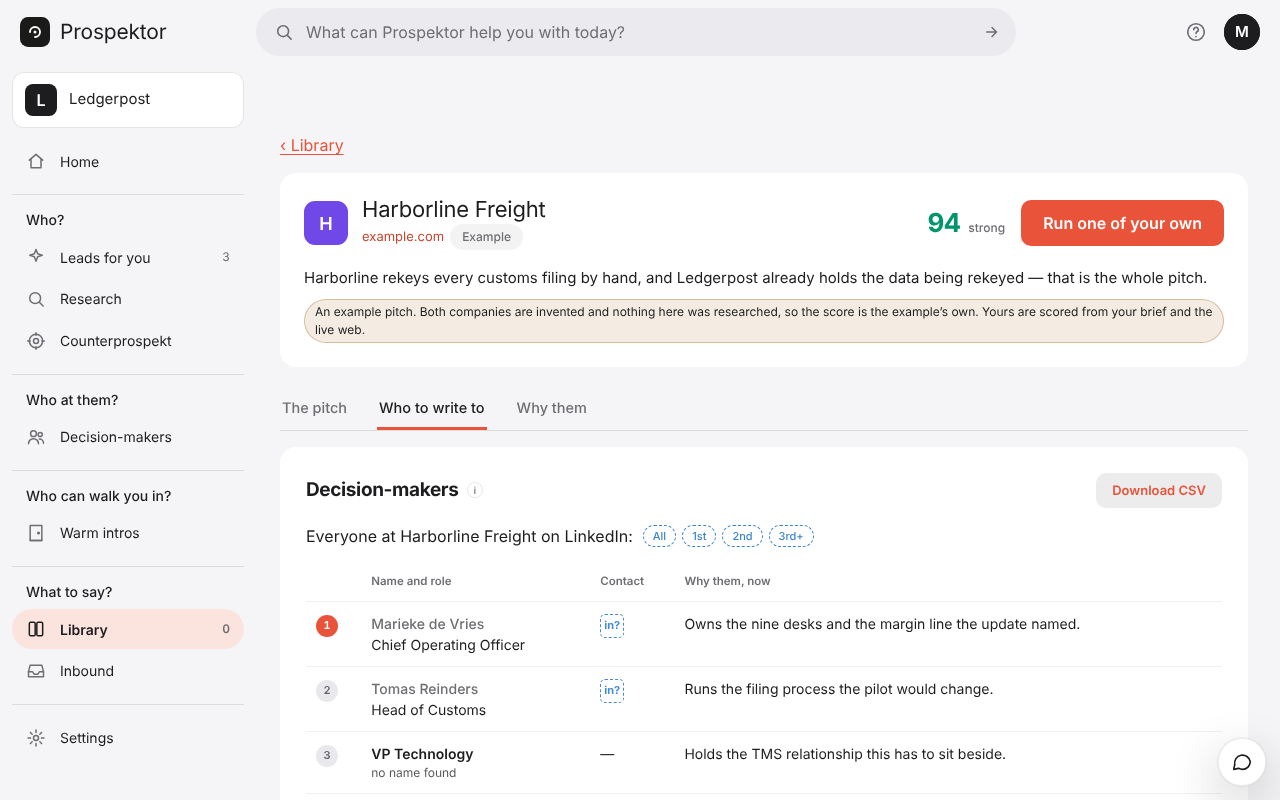
How to do it
- Open Decision-makers in the menu on the left.
- Type the company’s name or website in the first box. In the second, type the role you want, like CFO or Head of Partnerships, or leave it empty for the roles that matter most.
- Press Find people. About a minute later they appear in a table, each with their LinkedIn and a work email when one was found.
- Need a number? Press phone? beside a person. Each number found uses one of your workspace’s 25 phone lookups for the month.
- Tick the people you want and press Download as CSV, or press Write the pitch › to get the pitch for that company.
Good to know
- To look up one person, type their name or paste their LinkedIn address in the second box.
- Same roles at similar companies looks for the same roles at up to three companies like this one.
- A person is named only when a source backs it. A role nobody could be found for stays a role.
- Nobody on your Do not contact list is ever returned.