Get a pitch written for one company
Name a company and get the emails to send the people who decide there, written in your voice.
How to do it
- Press Prospekt a company at the top of the menu on the left.
- Type the company’s name or website and press Glance →. The score appears a few seconds in; the one reason to write and the roles worth calling fill in under it, about fifteen seconds in all.
- Under What to send, press Sequence to get the emails. Or press Prospekt → to research deeper and write everything at once (a few minutes). It starts from the glance’s score; if the deeper read moves it, one line under the score says what changed.
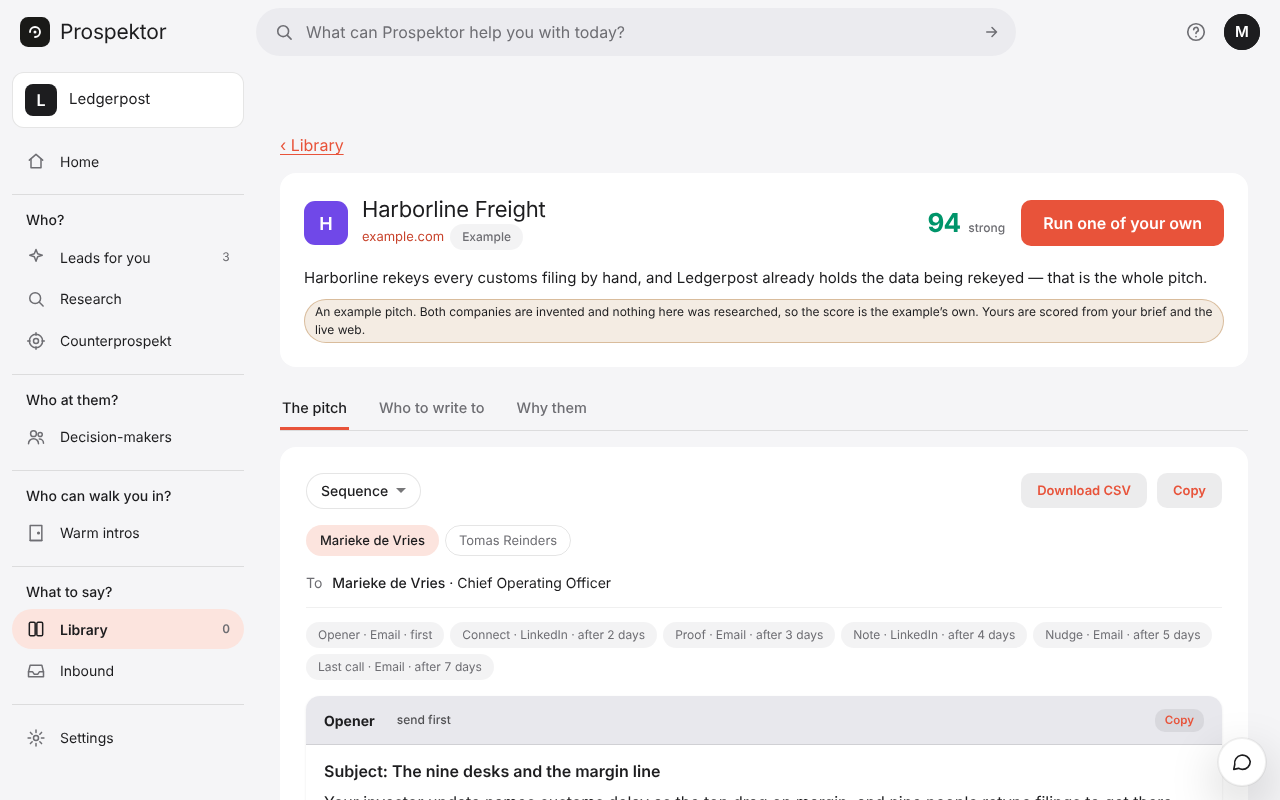
- The pitch opens on The pitch. Each person gets their own emails: press a name to switch.
- Pick a touch from the row of days, press Copy on its subject line and paste it into your own mail. To import the whole sequence into the tool you send with, press Download CSV in the sequence's ⋯.
Good to know
- Prospektor writes the emails and you send them. Nothing goes out on its own.
- Anything in [brackets] is something it would not guess. Fill it in before you send.
- Some steps are LinkedIn messages. Paste those into LinkedIn yourself.
- You can leave while it works. The pitch waits in your Library.